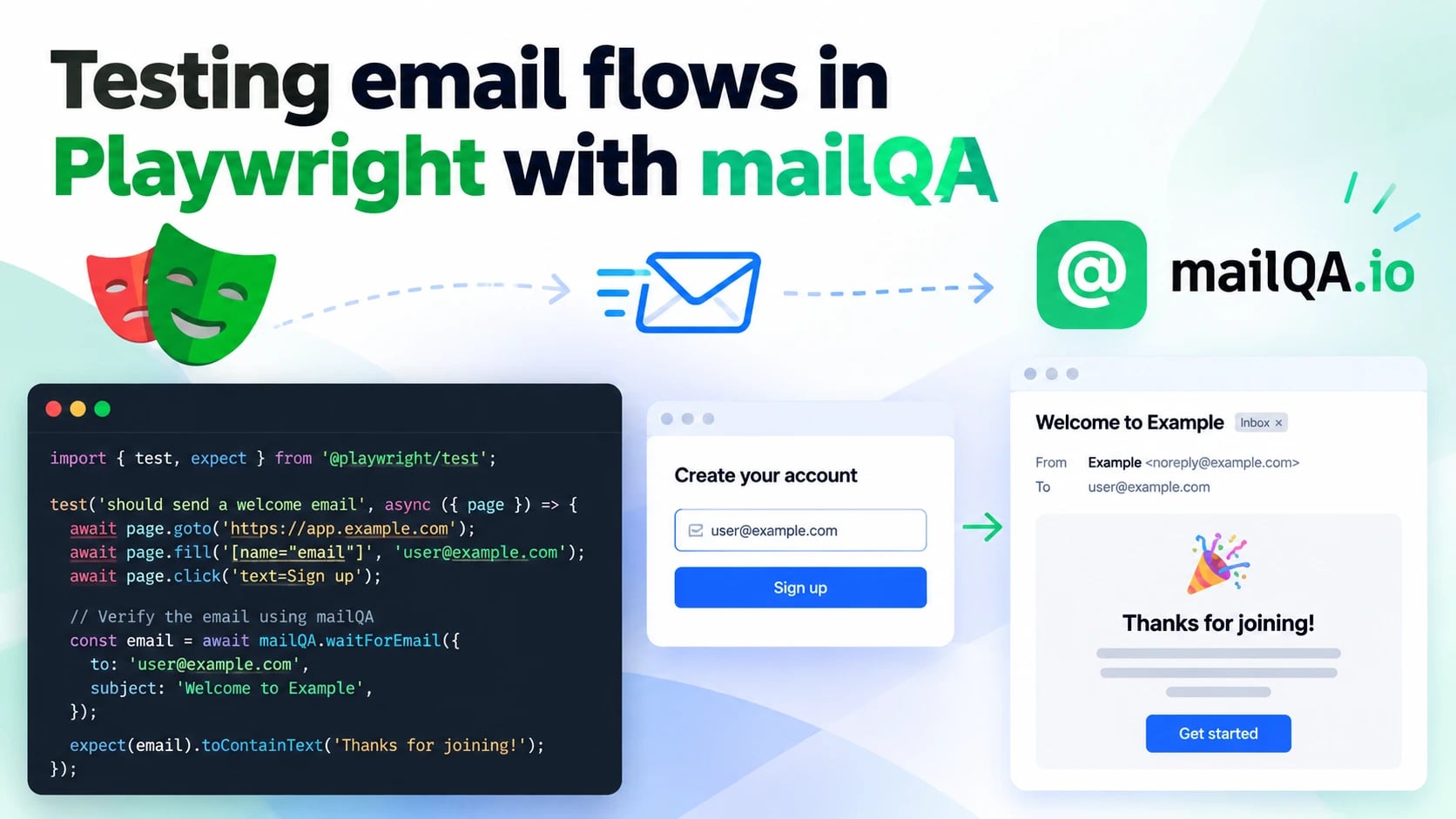
Signup verification, one-time codes, password resets, magic links: the flows that decide
whether a user gets into your product at all are the ones an end-to-end suite most often
skips. The browser half is easy to automate. The inbox half is where it goes wrong — a
shared Gmail account read over IMAP, a page.waitForTimeout(5000) that is too short in CI
and too long everywhere else, a test that passes on a leftover email from yesterday's run.
This post wires @mailqa/client into a Playwright suite so
every test gets a private inbox of its own, waits for exactly the message it triggered, and
reads the link or code straight out of it. No sleeps, no shared mailbox, and nothing ever
delivered to a real person.
What you need
- A mailQA API key — Settings → API keys in the dashboard. It is shown once, so put it straight into your CI secrets.
- An app under test whose email reaches mailQA, which is the next section.
@playwright/testand the client:
npm install --save-dev @mailqa/client
export MAILQA_API_KEY=mqa_live_…
The client depends on nothing and uses the global fetch, so any Node version Playwright
supports will run it.
Getting the app's email into mailQA
There are two ways in, and a test suite does not care which one you use — both land in the same inbox, and the SDK reads them identically.
Send it to the inbox's address. Every inbox has a real address on your organization's
subdomain, like pw-3f9a1c2e@acme.mailqa.io. If your staging environment already sends
through a real provider, type that address into the signup form and the mail arrives over
the public internet, exactly as it would for a customer. Nothing in the app changes.
Point the app's SMTP at the sandbox. For local runs and CI, where you would rather the app sent nothing out at all, give it your organization's SMTP credentials:
SMTP_HOST=smtp.mailqa.io
SMTP_PORT=587          # STARTTLS
SMTP_USER=acme         # from the dashboard, or mailqa.smtp.credentials()
SMTP_PASS=…
Everything the app sends is then captured and filed by recipient. Mail to an inbox's own
address lands in that inbox, so the tests below work unchanged; mail to anyone else —
customer@example.com — lands in an inbox named after that address, created on first use.
Either way, no one receives it. The sandbox page has the same
configuration for Rails, Django, Laravel and the other common mailers.
One inbox per test, as a fixture
The whole approach rests on isolation: if each test owns its inbox, the only email in it is the one that test caused, and there is nothing to filter out. Playwright fixtures are the natural place for that, because their teardown runs even when the test fails.
// tests/fixtures.ts
import { randomUUID } from 'node:crypto';
import { test as base, expect } from '@playwright/test';
import { MailQA, type Inbox } from '@mailqa/client';

export const mailqa = new MailQA({ apiKey: process.env.MAILQA_API_KEY! });

export const test = base.extend<{ inbox: Inbox }>({
  inbox: async ({}, use, testInfo) => {
    const inbox = await mailqa.inboxes.create({
      // What the dashboard shows. Up to 80 characters.
      name: testInfo.title.slice(0, 80),
      // What the address is. Unique per run, so parallel workers,
      // retries and --repeat-each never share an inbox.
      address: `pw-${randomUUID().slice(0, 8)}`,
    });

    await use(inbox);

    // A failed test gets the inbox's contents in its report, beside
    // the trace — usually the fastest way to see what went wrong.
    if (testInfo.status !== testInfo.expectedStatus) {
      const { data } = await mailqa.messages.list(inbox.id, { limit: 10 });
      await testInfo.attach('mailqa-inbox.json', {
        body: JSON.stringify(data, null, 2),
        contentType: 'application/json',
      });
    }

    await mailqa.inboxes.delete(inbox.id);
  },
});

export { expect };
Two details are worth keeping. The address is exactly what you pass — inboxes.create
does not add a random suffix, and asking for an address that already exists hands back that
inbox rather than failing — so generate one per test instead of deriving it from the test's
name. And the inbox is deleted in teardown rather than at the end of the test body, where a
failing assertion would skip it and leave the inbox counting against your plan.
A signup verification test
With the fixture in place a test reads like the flow it checks. waitForLink polls until a
matching message arrives, then returns the first link in it that matches:
// tests/signup.spec.ts
import { test, expect, mailqa } from './fixtures';

test('a new user verifies their email address', async ({ page, inbox }) => {
  await page.goto('/signup');
  await page.getByLabel('Email').fill(inbox.address);
  await page.getByLabel('Password').fill('correct horse battery staple');
  await page.getByRole('button', { name: 'Create account' }).click();

  const link = await mailqa.waitForLink({
    inbox: inbox.id,
    subjectContains: 'Verify',
    matching: /\/verify\?token=/,
  });

  await page.goto(link);
  await expect(page.getByText('Email verified')).toBeVisible();
});
matching takes a substring or a regular expression. Without it you get the first link in
the message, which in most templates is the logo pointing at your home page — so it is worth
being specific.
One-time codes
waitForCode returns the first code mailQA extracted from the message. Extraction looks for
a keyword near the digits — "code", "OTP", "verification" and the like — so an order number
or a date in the same email is not mistaken for one.
test('two-factor sign-in accepts the emailed code', async ({ page, inbox }) => {
  await signUpAs(page, inbox.address);   // your own helper
  await page.getByRole('button', { name: 'Email me a code' }).click();

  const code = await mailqa.waitForCode({ inbox: inbox.id, subjectContains: 'code' });

  await page.getByLabel('Code').fill(code);
  await expect(page).toHaveURL(/\/dashboard/);
});
When a message arrives but has no code in it, waitForCode throws a MailQAError with the
code no_code_found rather than returning an empty string, so the failure names the problem.
Asserting on the email itself
The link and the code are usually all a flow test needs, but the whole message is there
when the email is the thing under test. waitForMessage returns it in full:
test('the receipt shows the order total', async ({ page, inbox }) => {
  await checkOut(page, { email: inbox.address, items: ['pro-annual'] });

  const receipt = await mailqa.waitForMessage({
    inbox: inbox.id,
    subjectContains: 'receipt',
  });

  expect(receipt.from.address).toBe('billing@acme.dev');
  expect(receipt.text).toContain('$240.00');
  expect(receipt.attachments.map((a) => a.filename)).toContain('invoice.pdf');
});
html is the sanitised version the dashboard renders; assert against rawHtml when the
exact markup you sent is what matters. You can also open the rendered email in the browser
you already have, which turns "does the button in the email work" into an ordinary page
test:
await page.setContent(receipt.rawHtml ?? '');
await page.getByRole('link', { name: 'View your invoice' }).click();
Reusing an inbox on purpose
Some flows send more than one email to the same person — a verification now, a welcome
later, a password reset at the end. They all go to the one inbox the test owns, and each
wait needs to pick out the right one. Filter on the subject, and pass after to ignore
anything that arrived before the step you are testing:
test('a password reset link signs the user in', async ({ page, inbox }) => {
  await signUpAndVerify(page, inbox.address);   // this already sent two emails

  const requested = new Date();
  await page.goto('/forgot-password');
  await page.getByLabel('Email').fill(inbox.address);
  await page.getByRole('button', { name: 'Send reset link' }).click();

  const link = await mailqa.waitForLink({
    inbox: inbox.id,
    after: requested,
    subjectContains: 'reset',
    matching: '/reset-password',
  });
  await page.goto(link);
  await page.getByLabel('New password').fill('a brand new passphrase');
  await page.getByRole('button', { name: 'Save' }).click();
  await expect(page).toHaveURL(/\/dashboard/);
});
Waits never default to "after now". By the time your test calls one, the email has often
already arrived, and a default time filter would hide the very message you are waiting for
— intermittently, which is worse than always. Fresh inboxes make it unnecessary; after is
for when you share one deliberately.
Parallel workers on a tight inbox limit
An inbox per test is the simplest thing that works, and inboxes are deleted as fast as they
are made. But a large suite running fullyParallel across many workers has many alive at
once, and each one counts against your plan's inbox limit while it exists. If you hit
quota_exceeded, give each worker an inbox and each test a tag within it — the part
after a + in the address:
import type { Inbox, Message, WaitForMessageOptions } from '@mailqa/client';

interface Mailbox {
  address: string;
  waitForMessage(filter?: Omit<WaitForMessageOptions, 'inbox' | 'tag'>): Promise<Message>;
}

export const test = base.extend<{ mailbox: Mailbox }, { workerInbox: Inbox }>({
  workerInbox: [
    async ({}, use, workerInfo) => {
      const inbox = await mailqa.inboxes.create({
        name: `playwright worker ${workerInfo.workerIndex}`,
        address: `pw-w${workerInfo.workerIndex}-${randomUUID().slice(0, 8)}`,
      });
      await use(inbox);
      await mailqa.inboxes.delete(inbox.id);
    },
    { scope: 'worker' },
  ],

  mailbox: async ({ workerInbox }, use) => {
    const tag = randomUUID().slice(0, 8);
    const [local, domain] = workerInbox.address.split('@');
    await use({
      address: `${local}+${tag}@${domain}`,
      waitForMessage: (filter = {}) =>
        mailqa.waitForMessage({ ...filter, inbox: workerInbox.id, tag }),
    });
  },
});
A test then fills in mailbox.address and calls mailbox.waitForMessage(), and reads the
link or code from the message's links and codes.
Mail to pw-w3-…+9f2c1d0a@acme.mailqa.io lands in worker 3's inbox with the tag 9f2c1d0a,
and a wait filtered on that tag sees only that test's mail. Workers run one test at a time,
so the inbox is never shared by two tests at once.
Timeouts: make the email wait the one that fails
waitForMessage and its two siblings give up after 30 seconds by default — and so does a
Playwright test. When the two are equal, Playwright's timer usually wins, and the report
says "Test timeout of 30000ms exceeded" instead of the MessageTimeoutError that names the
inbox and the filter that matched nothing.
Keep the email wait comfortably inside the test budget:
// playwright.config.ts
export default defineConfig({
  timeout: 60_000,
  // …
});
const link = await mailqa.waitForLink({ inbox: inbox.id, matching: '/verify', timeout: 20_000 });When a wait does time out, check three things in order: did the app actually send (its
logs), did it send here (the recipient address, or the SMTP credentials), and is the
filter right — subjectContains is a case-insensitive substring, not a pattern. The
attachment the fixture adds to failed tests usually answers all three at a glance.
Running it in CI
The API key is the only secret the suite needs. In GitHub Actions:
- name: End-to-end tests
  run: npx playwright test
  env:
    MAILQA_API_KEY: ${{ secrets.MAILQA_API_KEY }}
    # Only if the app under test sends through the sandbox:
    SMTP_HOST: smtp.mailqa.io
    SMTP_PORT: 587
    SMTP_USER: ${{ secrets.MAILQA_SMTP_USER }}
    SMTP_PASS: ${{ secrets.MAILQA_SMTP_PASS }}
Teardown deletes each inbox, but a job that is cancelled mid-run never reaches it. A global teardown that sweeps up anything the suite left behind more than an hour ago keeps the count honest without touching a run that is still going:
// tests/sweep.ts — `globalTeardown: './tests/sweep.ts'` in playwright.config.ts
import { mailqa } from './fixtures';

export default async function sweep() {
  const hourAgo = Date.now() - 60 * 60 * 1000;
  const stale = (await mailqa.inboxes.list()).filter(
    (inbox) => inbox.address.startsWith('pw-') && Date.parse(inbox.createdAt) < hourAgo,
  );
  await Promise.all(stale.map((inbox) => mailqa.inboxes.delete(inbox.id)));
}
Where to go next
- The SDK reference covers every method and option, and the error codes a test can branch on.
- The quickstart does the same flow with
curl, for a suite in a language the SDK does not cover. - The API reference documents the endpoints the client calls, if you would rather write your own wrapper.