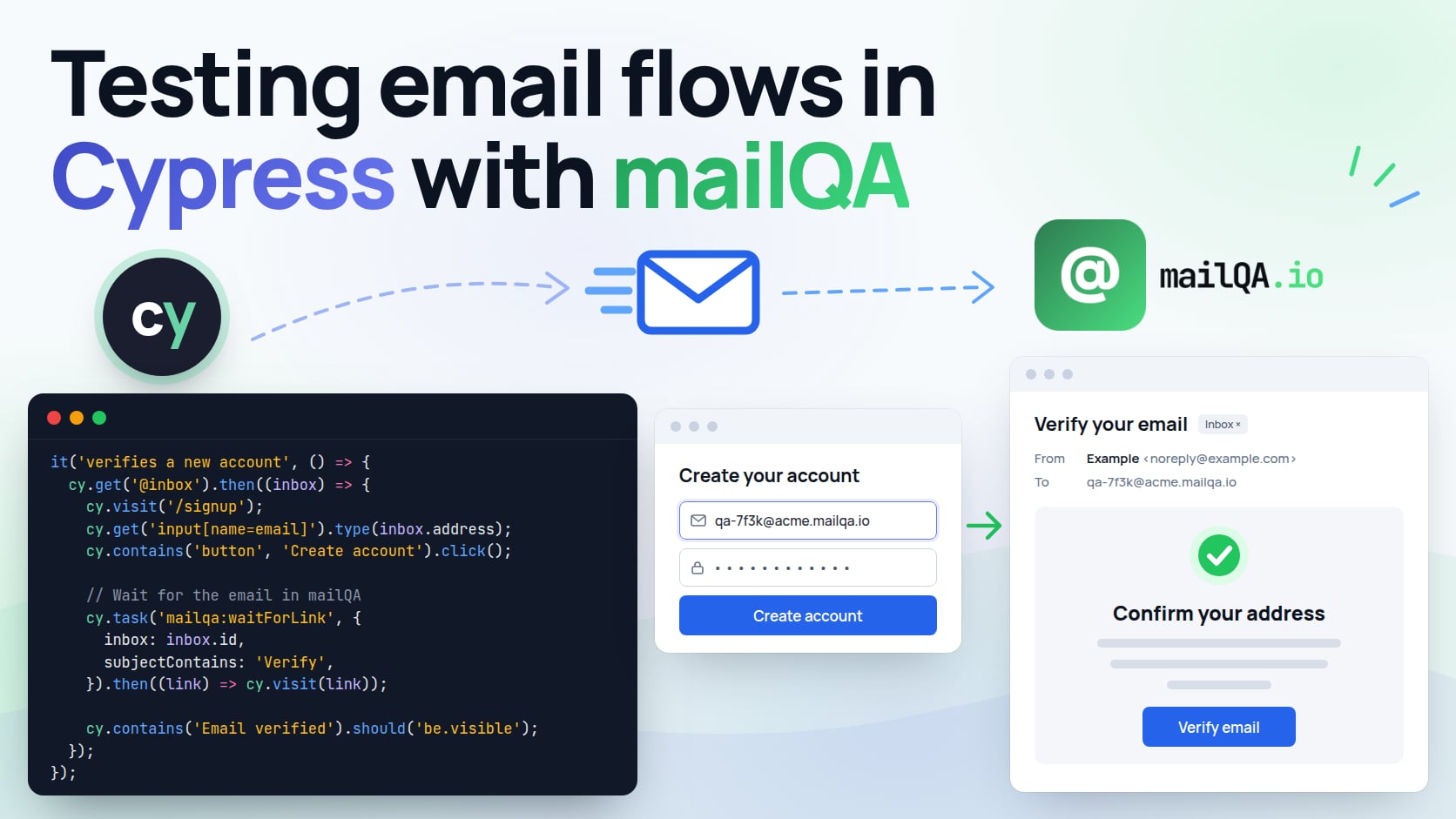
Cypress is good at everything that happens in the browser, and has no view at all of what happens in an inbox. So the signup test stops at "check your email", the password reset is tested by hand before each release, and the one-time-code screen is the part of the login nobody automated.
This post closes that gap with @mailqa/client. Each test gets
a private inbox, waits for the one email it caused, and carries on with the link or the code
inside it — in the same spec, in the same run, with nothing delivered to a real person.
Why the SDK runs in cy.task, not in the spec
A Cypress spec runs inside the browser, and its commands are queued rather than awaited. The
SDK is a Node client with an API key. Both facts point the same way: run the SDK in Cypress's
Node process, through cy.task, and hand the spec only what it needs — an address, a link,
a code.
That keeps the API key out of the browser, out of Cypress.env(), and out of the command log
and the screenshots a failed run uploads. It also means the polling happens in plain async
code, where waitForMessage already does it for you, instead of being rebuilt out of
recursive cy.request calls.
What you need
- A mailQA API key — Settings → API keys in the dashboard. It is shown once; put it in your CI secrets.
- An app under test whose email reaches mailQA. Either send to the inbox's own address
(every inbox has a real one, like
cy-3f9a1c2e@acme.mailqa.io), or point the app's SMTP at the sandbox —smtp.mailqa.io, port587with STARTTLS, and your organization's credentials. The sandbox page has the setup for each common framework. - The client, as a dev dependency:
npm install --save-dev @mailqa/client
export MAILQA_API_KEY=mqa_live_…
The tasks
Everything mailQA-specific lives in cypress.config.ts. Each task is a thin wrapper over
one SDK call:
// cypress.config.ts
import { randomUUID } from 'node:crypto';
import { defineConfig } from 'cypress';
import { MailQA } from '@mailqa/client';

const mailqa = new MailQA({ apiKey: process.env.MAILQA_API_KEY! });

/** What a spec may pass to a wait. Only JSON survives cy.task, so a date
 *  arrives as an ISO string and a pattern as its source text. */
interface WaitArgs {
  inbox: string;
  subjectContains?: string;
  after?: string;
  timeout?: number;
  /** For waitForLink: a substring of the URL… */
  matching?: string;
  /** …or a regular expression's source. */
  pattern?: string;
}

function waitOptions({ after, matching, pattern, ...filter }: WaitArgs) {
  return { ...filter, after: after ? new Date(after) : undefined };
}

export default defineConfig({
  e2e: {
    baseUrl: 'http://localhost:3000',
    setupNodeEvents(on) {
      on('task', {
        'mailqa:createInbox': (title: string) =>
          mailqa.inboxes.create({
            name: title.slice(0, 80),
            address: `cy-${randomUUID().slice(0, 8)}`,
          }),

        'mailqa:waitForMessage': (args: WaitArgs) => mailqa.waitForMessage(waitOptions(args)),

        'mailqa:waitForCode': (args: WaitArgs) => mailqa.waitForCode(waitOptions(args)),

        'mailqa:waitForLink': (args: WaitArgs) =>
          mailqa.waitForLink({
            ...waitOptions(args),
            matching: args.pattern ? new RegExp(args.pattern) : args.matching,
          }),

        'mailqa:deleteInbox': async (id: string) => {
          await mailqa.inboxes.delete(id);
          return null; // a task must resolve to something other than undefined
        },
      });
    },
  },
});
Three Cypress rules shape that file, and each one fails confusingly if it is missed:
- Arguments and results are serialised. A
RegExppassed tocy.taskarrives as{}and aDateas a string, which is why the waits takepatternand an ISOafterand rebuild them on the Node side. - A task must not resolve to
undefined.inboxes.deleteresolves to nothing, so the task returnsnullafter it. - A task has its own timeout —
taskTimeout, 60 seconds by default. The SDK's waits give up after 30, so the error you see is mailQA's, naming the inbox and the filter, rather than Cypress's generic one. Raise a wait past 60 seconds and pass{ timeout }tocy.tasktoo.
The address is exactly what you pass: inboxes.create adds no random suffix, and asking for
an address that already exists hands back that inbox. A random one per test is what keeps
parallel machines and re-runs from ever sharing an inbox.
One inbox per test
Create the inbox in beforeEach and keep it as an alias, so every test in the file starts
with an empty inbox of its own and nothing to filter out:
// cypress/e2e/signup.cy.ts
import type { Inbox } from '@mailqa/client';

describe('signup', () => {
  beforeEach(() => {
    cy.task<Inbox>('mailqa:createInbox', Cypress.currentTest.title).as('inbox');
  });

  afterEach(() => {
    cy.get<Inbox>('@inbox').then((inbox) => cy.task('mailqa:deleteInbox', inbox.id));
  });

  it('verifies a new account from the emailed link', () => {
    cy.get<Inbox>('@inbox').then((inbox) => {
      cy.visit('/signup');
      cy.get('input[name=email]').type(inbox.address);
      cy.get('input[name=password]').type('correct horse battery staple');
      cy.contains('button', 'Create account').click();

      cy.task<string>('mailqa:waitForLink', {
        inbox: inbox.id,
        subjectContains: 'Verify',
        pattern: '/verify\\?token=',
      }).then((link) => cy.visit(link));

      cy.contains('Email verified').should('be.visible');
    });
  });
});
afterEach runs when a test fails as well as when it passes. What it cannot survive is the
runner itself going away — a cancelled CI job, a crashed browser — which is what the sweep at
the end of this post is for.
If the verification link points at a different domain from baseUrl — a separate auth host,
say — wrap the visit and the assertions after it in cy.origin(), as Cypress requires for any
cross-origin page.
One-time codes
waitForCode returns the first code mailQA extracted from the message. Extraction wants a
keyword near the digits — "code", "OTP", "verification", "PIN" and the like — so an order
number or a year in the same email is not mistaken for one.
it('accepts the emailed sign-in code', () => {
  cy.get<Inbox>('@inbox').then((inbox) => {
    cy.signUpAs(inbox.address); // your own command
    cy.contains('button', 'Email me a code').click();

    cy.task<string>('mailqa:waitForCode', { inbox: inbox.id, subjectContains: 'code' }).then(
      (code) => cy.get('input[name=code]').type(code),
    );

    cy.location('pathname').should('eq', '/dashboard');
  });
});
A message that arrives without a code fails the task with no_code_found, so the test says
what went wrong instead of typing an empty string into the form.
Asserting on the email itself
When the email is the thing under test, mailqa:waitForMessage returns all of it — plain
JSON, so it crosses cy.task intact:
import type { Inbox, Message } from '@mailqa/client';

it('sends a receipt with the order total', () => {
  cy.get<Inbox>('@inbox').then((inbox) => {
    cy.checkOut({ email: inbox.address, plan: 'pro-annual' });

    cy.task<Message>('mailqa:waitForMessage', {
      inbox: inbox.id,
      subjectContains: 'receipt',
    }).then((receipt) => {
      expect(receipt.from.address).to.eq('billing@acme.dev');
      expect(receipt.text).to.contain('$240.00');
      expect(receipt.attachments.map((a) => a.filename)).to.include('invoice.pdf');
    });
  });
});
html is the sanitised markup mailQA renders in its dashboard; assert against rawHtml when
the exact markup you sent is what matters. links and codes are there too, already
extracted.
Several emails in one test
A flow that sends more than one email to the same person — verification, then welcome, then
a password reset — needs each wait to pick the right one. Filter on the subject, and pass
after so a wait ignores everything that arrived before the step it is checking:
it('signs in with a reset password', () => {
  cy.get<Inbox>('@inbox').then((inbox) => {
    cy.signUpAndVerify(inbox.address).then(() => {
      // Taken here, once the commands above have run — not beside them.
      const requested = new Date().toISOString();

      cy.visit('/forgot-password');
      cy.get('input[name=email]').type(inbox.address);
      cy.contains('button', 'Send reset link').click();

      cy.task<string>('mailqa:waitForLink', {
        inbox: inbox.id,
        after: requested,
        subjectContains: 'reset',
        matching: '/reset-password',
      }).then((link) => cy.visit(link));
    });

    cy.get('input[name=password]').type('a brand new passphrase');
    cy.contains('button', 'Save').click();
    cy.location('pathname').should('eq', '/dashboard');
  });
});
Where the timestamp is taken matters more in Cypress than anywhere else. A line like
const requested = new Date() runs when the test body runs, and the commands written above
it have only been queued by then, not executed — so a timestamp taken beside them predates
the signup it is meant to come after, and the wait matches the verification email instead.
Taking it inside the .then() of the last command before the step is what puts it in the
right place.
The subject filter is the second half. A wait returns the newest matching message, and a welcome email that happens to arrive a moment after the reset was requested is newer; the filter is what keeps it out.
Waits never default to "after now". By the time a test asks, the email has often already
arrived, and a default time filter would hide it — intermittently, which is the worst kind of
failure. Fresh inboxes make after unnecessary most of the time.
Running it in CI
The API key is the only secret the suite needs. With the official GitHub Action:
- uses: cypress-io/github-action@v6
  with:
    start: npm start
    wait-on: 'http://localhost:3000'
  env:
    MAILQA_API_KEY: ${{ secrets.MAILQA_API_KEY }}
    # Only if the app under test sends through the sandbox:
    SMTP_HOST: smtp.mailqa.io
    SMTP_PORT: 587
    SMTP_USER: ${{ secrets.MAILQA_SMTP_USER }}
    SMTP_PASS: ${{ secrets.MAILQA_SMTP_PASS }}
Inboxes count against your plan's limit while they exist. A run that is cancelled never
reaches its afterEach, so sweep up once at the end of every cypress run — anything the
suite created more than an hour ago, which never touches a run still going on another
machine:
// in setupNodeEvents, beside the tasks
on('after:run', async () => {
  const hourAgo = Date.now() - 60 * 60 * 1000;
  const stale = (await mailqa.inboxes.list()).filter(
    (inbox) => inbox.address.startsWith('cy-') && Date.parse(inbox.createdAt) < hourAgo,
  );
  await Promise.all(stale.map((inbox) => mailqa.inboxes.delete(inbox.id)));
});
When a wait times out
Work through it in order: did the app actually send (its logs), did it send here (the
recipient address, or the SMTP credentials), and is the filter right — subjectContains is a
case-insensitive substring, not a pattern. The inbox is in the mailQA dashboard for as long as
the test is running, and listing it without a filter usually settles the question in one
look.
Where to go next
- Testing email flows in Playwright does the same with Playwright fixtures, if your suite is split between the two.
- The SDK reference documents every method, option and error code used above.
- Testing email verification with the REST API drops the SDK altogether, for a suite in a language other than JavaScript.